Features
Everything Runtut does.
The core is free. Premium adds a few things you might want later.
Core, free
Everything you need to keep a journal.
The core of Runtut is free and stays free. It works offline and keeps your entries on your device.
Journal
Your spending, written down as it happens
Offline first
Open it on the subway, in a waiting room, in a hotel without wifi. Every entry is saved on your device, so the app is always ready.
Journaling
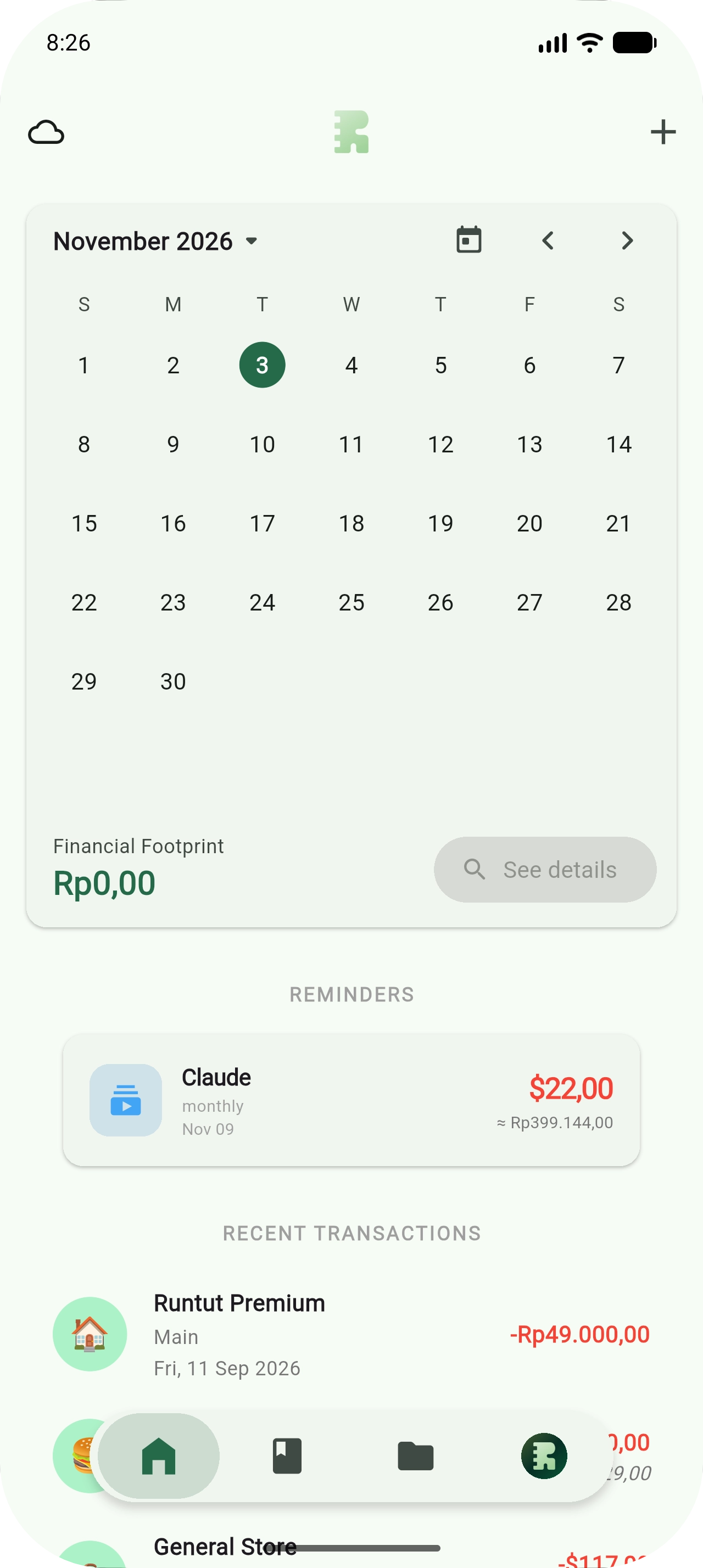
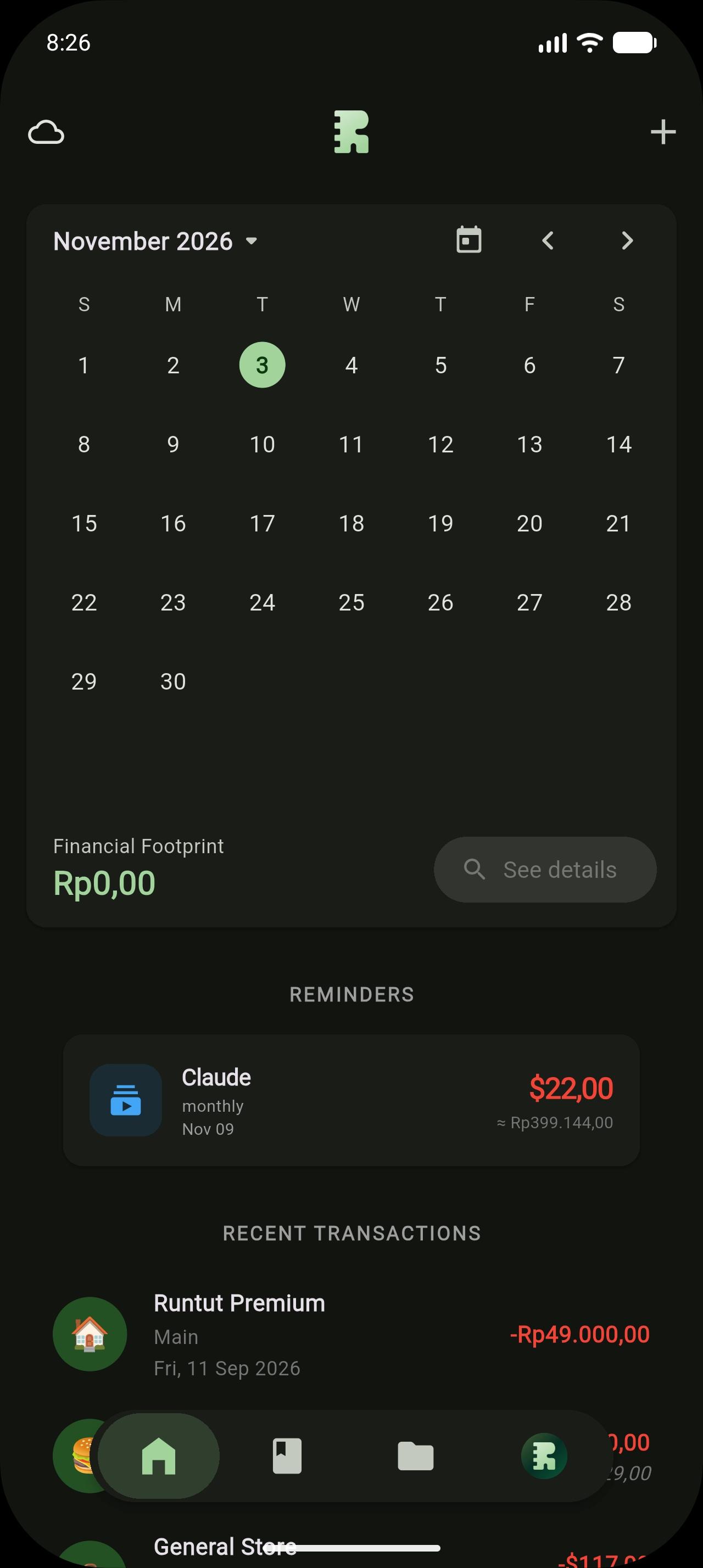
Log the amount and add a note when there is a story behind it. The calendar shows each day at a glance.
Organize
A structure you define
Pockets and Categories
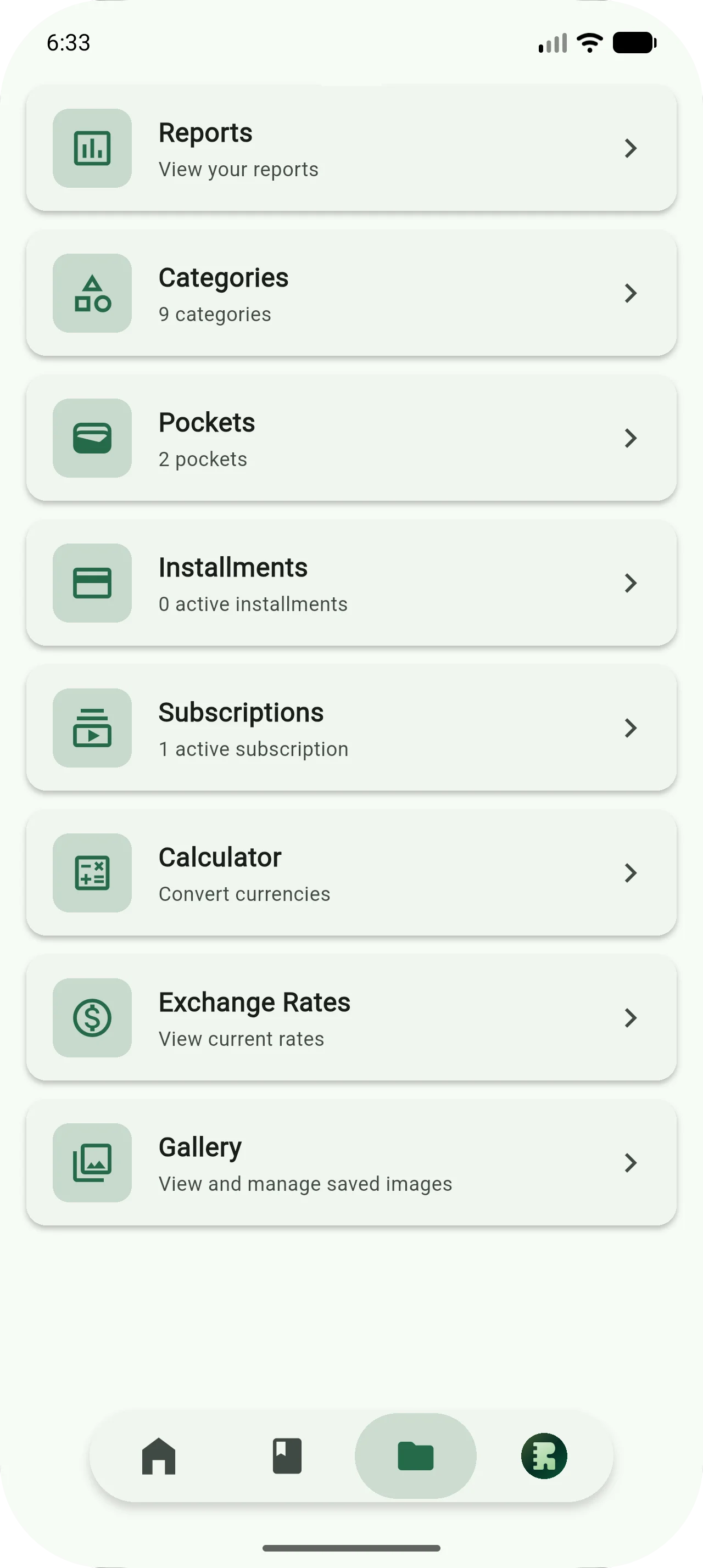
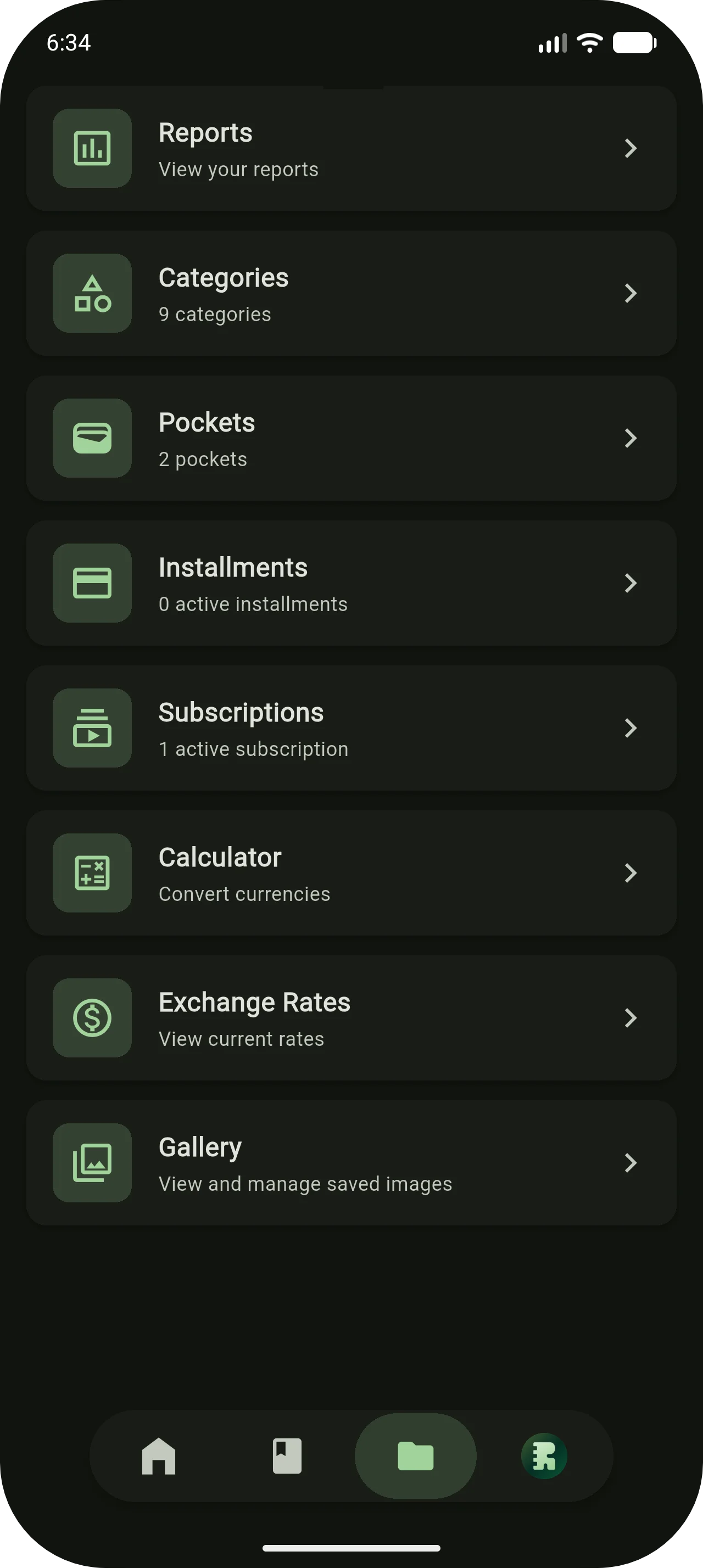
Name your Pockets after the things in your life, and do the same with Categories. The structure is yours to shape.
Currency tools
A currency calculator and live exchange rates are built in. Look up a rate, log the amount, stay in one place.
Review
Look back with the full context
Reports
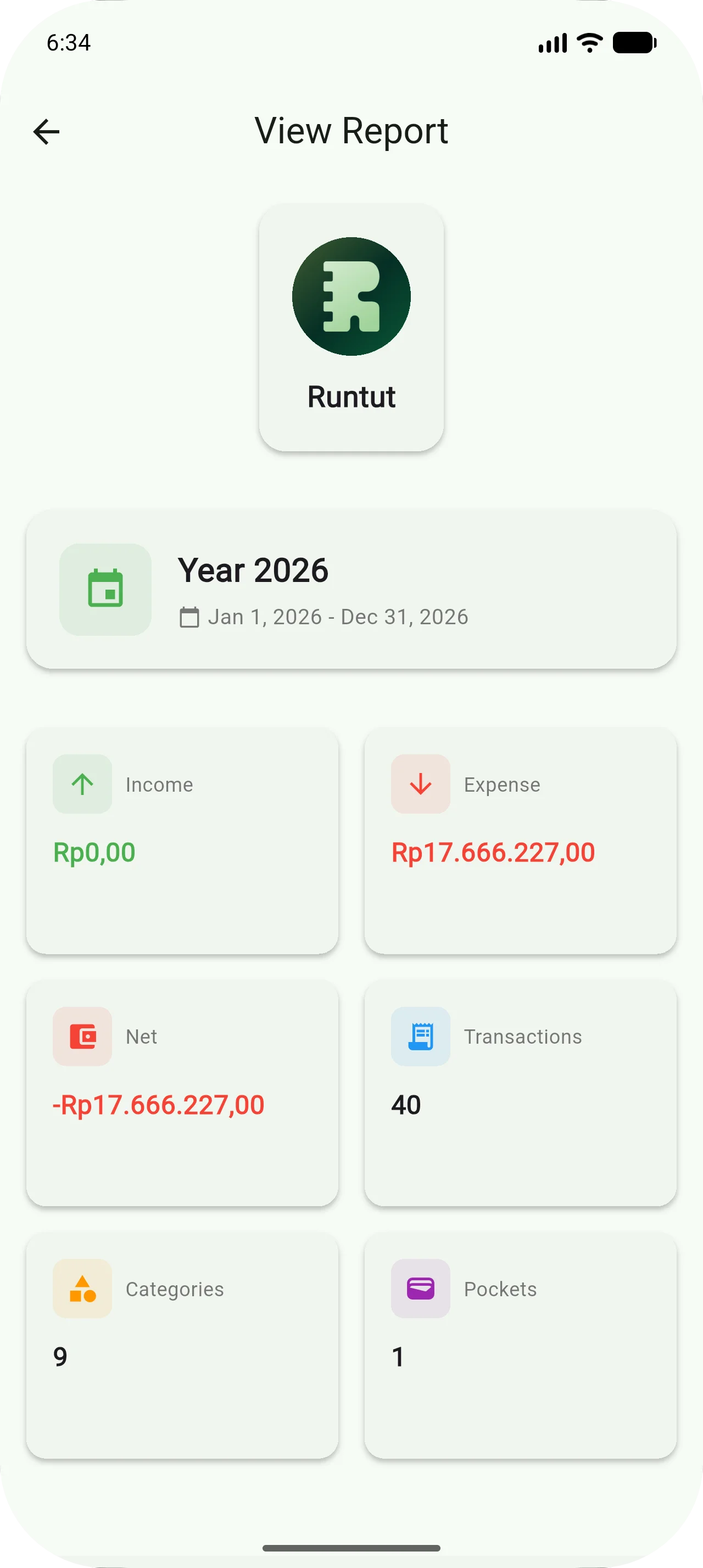
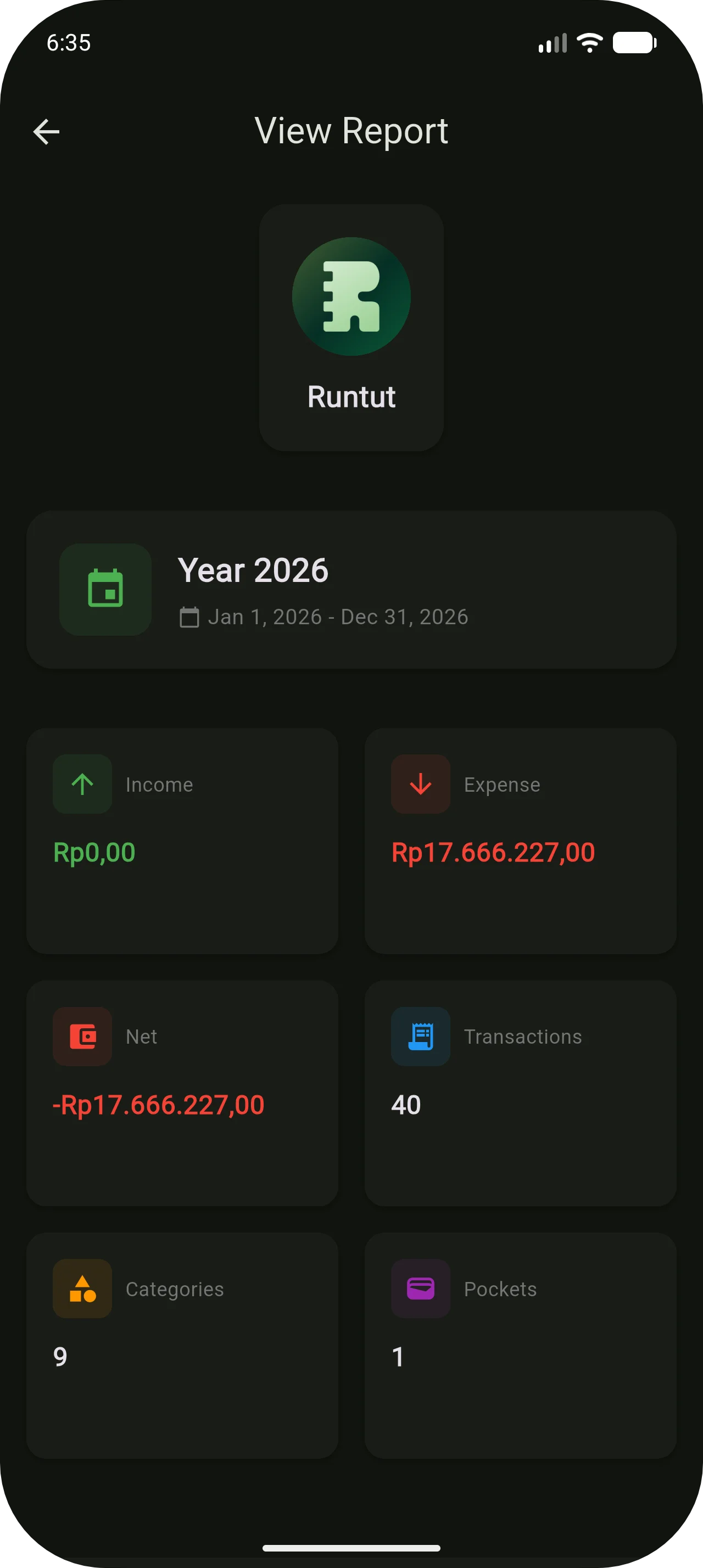
Review a month or a year whenever you want. Income, expenses and net all come from the entries you wrote.
Photo attachments
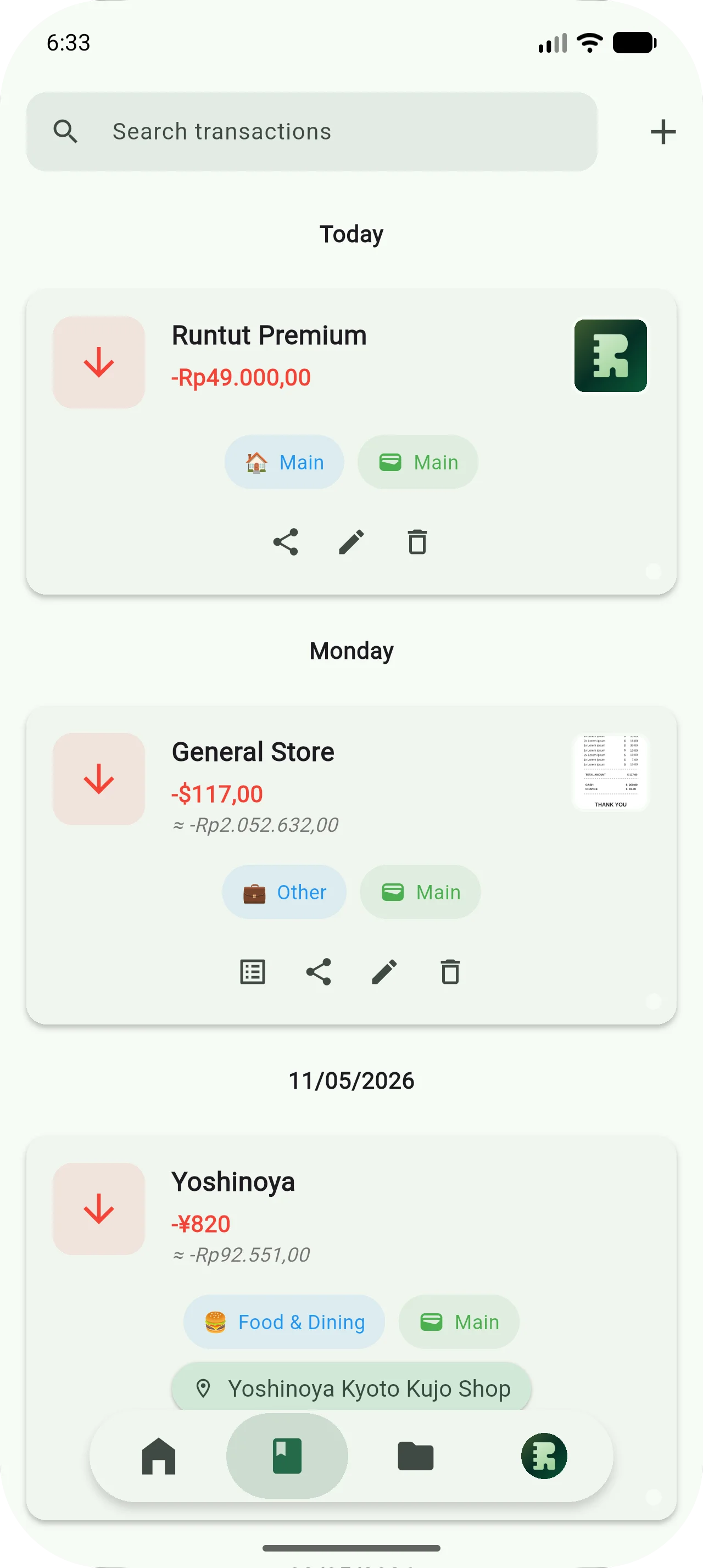
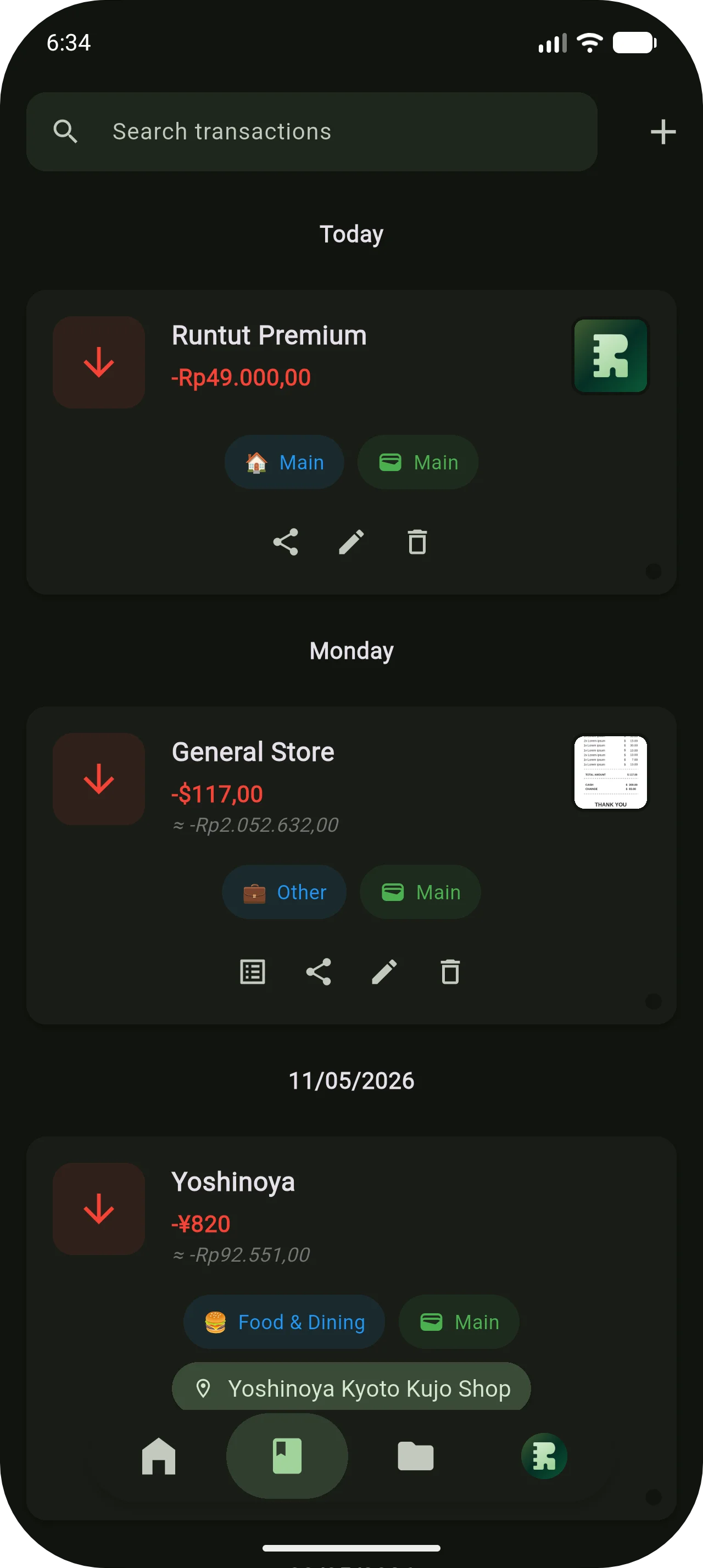
Attach a photo to any entry: a receipt, a menu, whatever helps you remember. It shows up right in your reports.
Premium, subscription
Extras for when the journal becomes a habit.
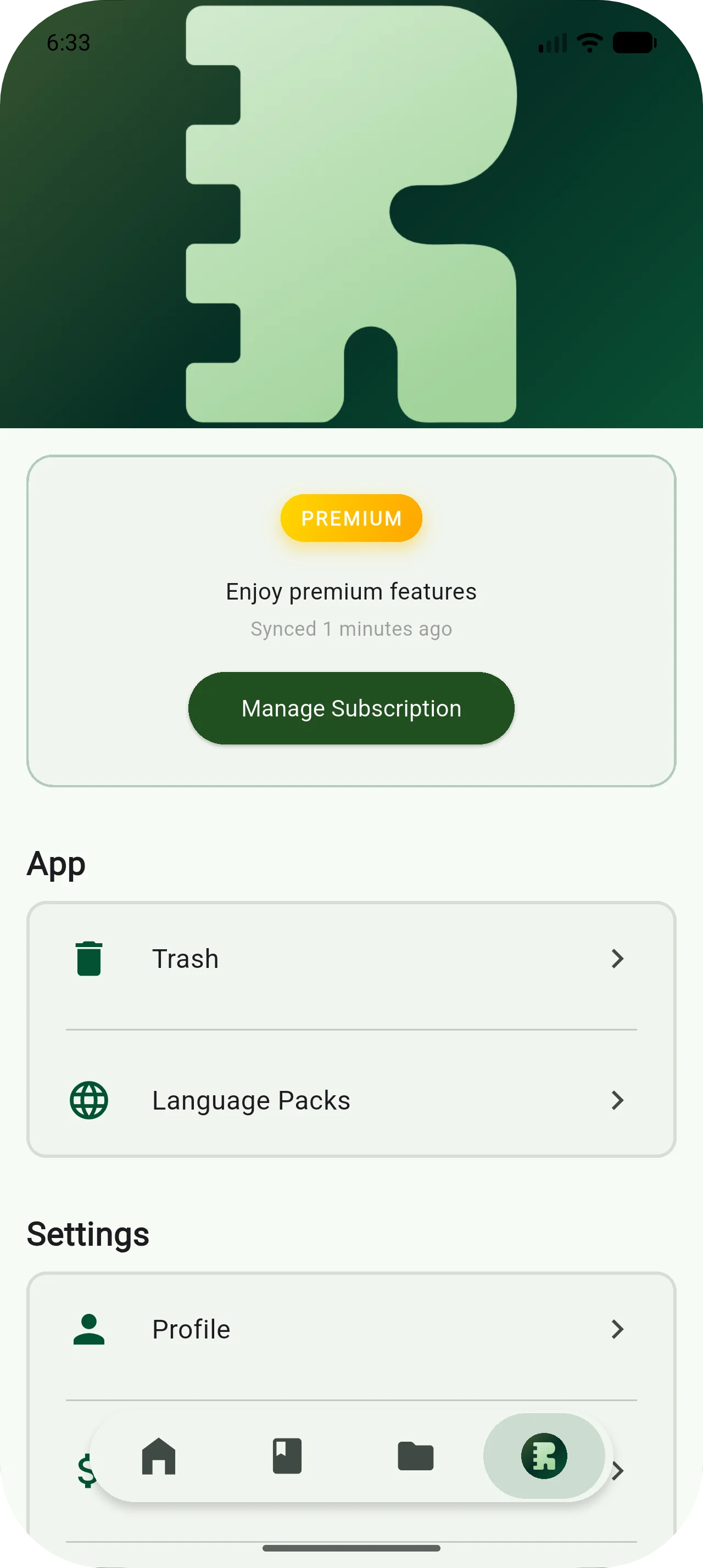
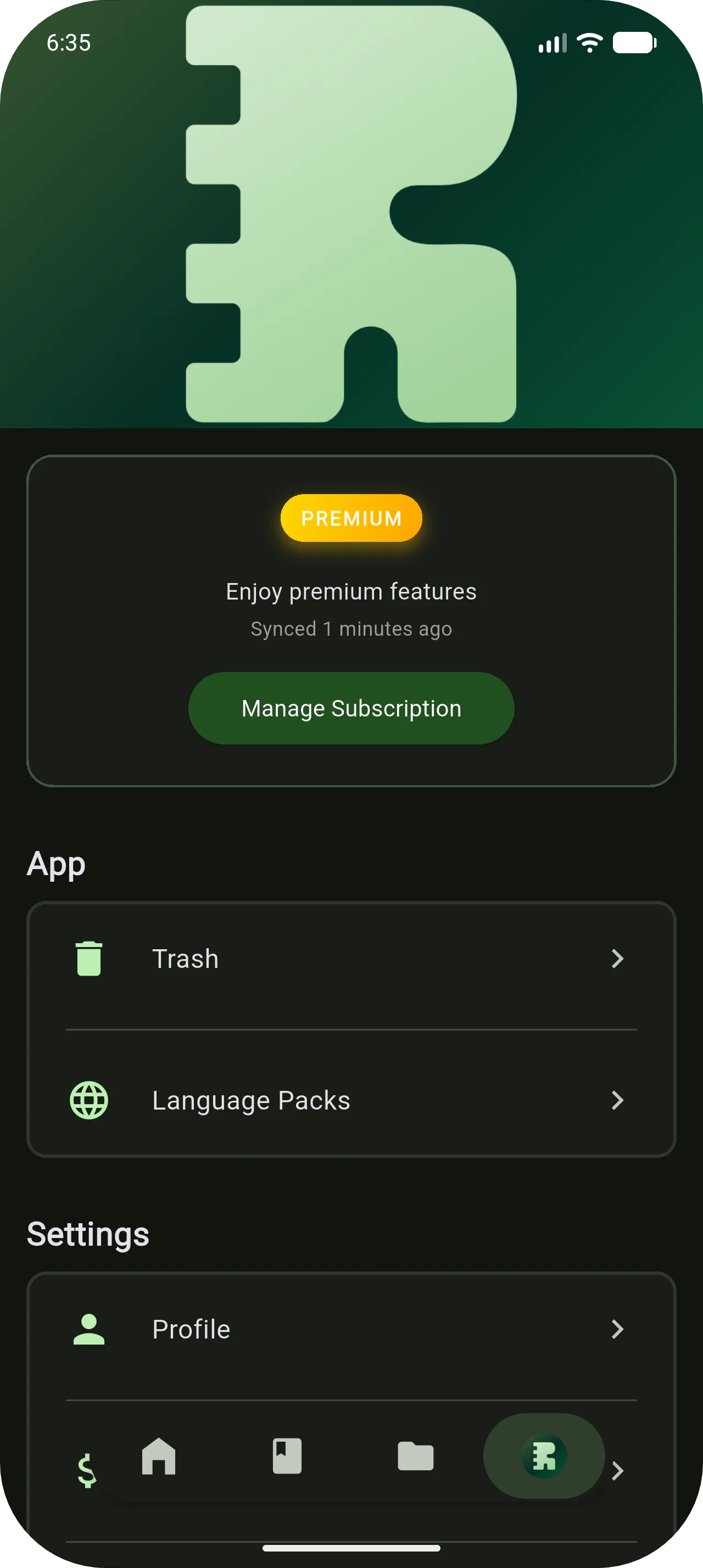
Premium adds sync, autopilot, sharing and cloud scan on top of Core.
See pricingSync
One journal on every device
Cloud Sync
Entries sync across your devices in the background. Switch phones without losing anything.
Automate
Less typing, same record
Autopilot Updates
Set up a subscription or an installment once. Runtut logs each payment for you from then on.
Shareable Reports
Generate a report and share it as a link with a partner, a client or an accountant.
Scan
From receipt to entry in one photo
Cloud Scan
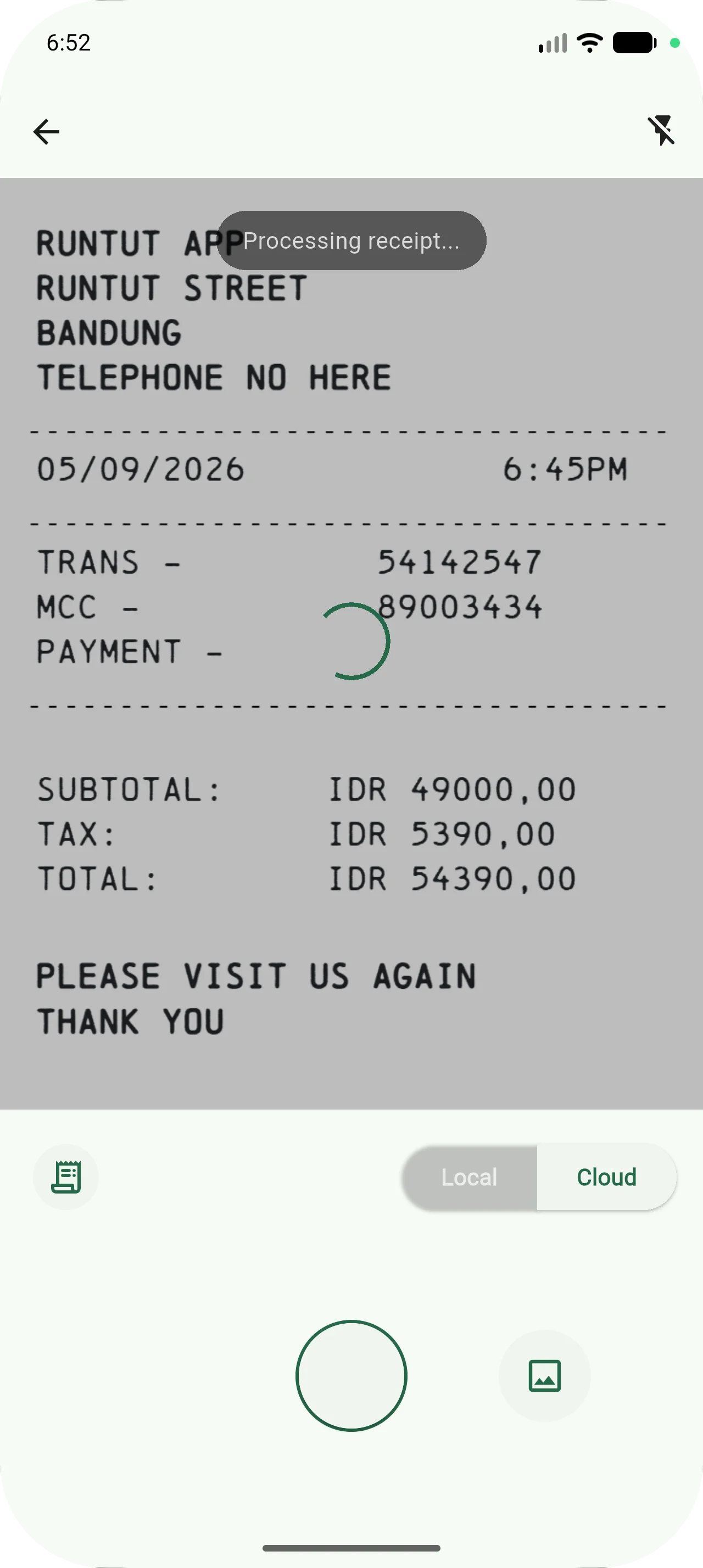
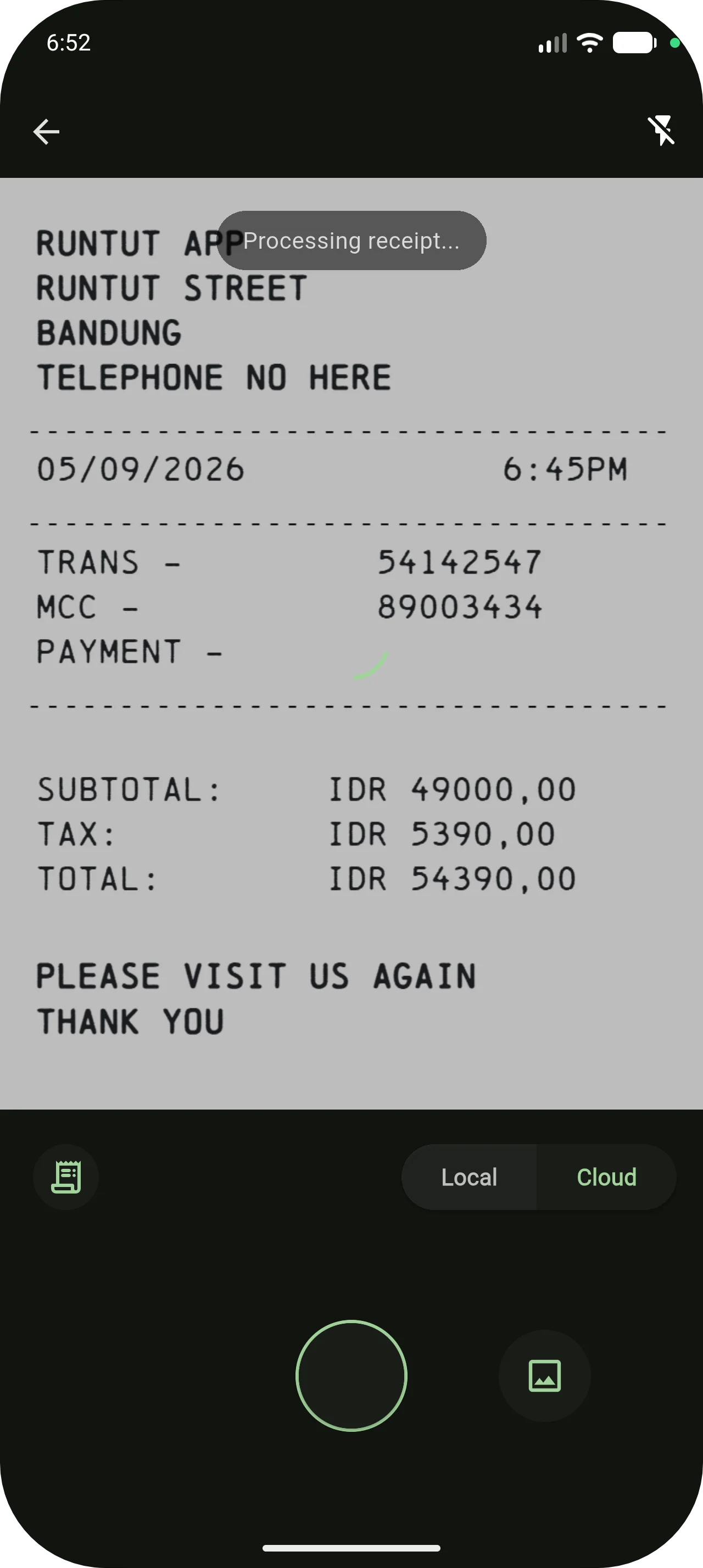
Snap a receipt and Google Gemini reads it in the cloud, then fills in the amount and merchant for you. Local scan stays free and reads the receipt on your phone, even offline.