
In-app purchase
The core is free. Premium adds a few things.
Try it free. Monthly or yearly. Cancel whenever.
How to subscribe
Open the app. It takes about a minute.
- 1
Download and open
Get Runtut from Google Play and open it. The App Store version is coming soon.
- 2
Go to Profile
Tap the Profile tab at the bottom of the screen.
- 3
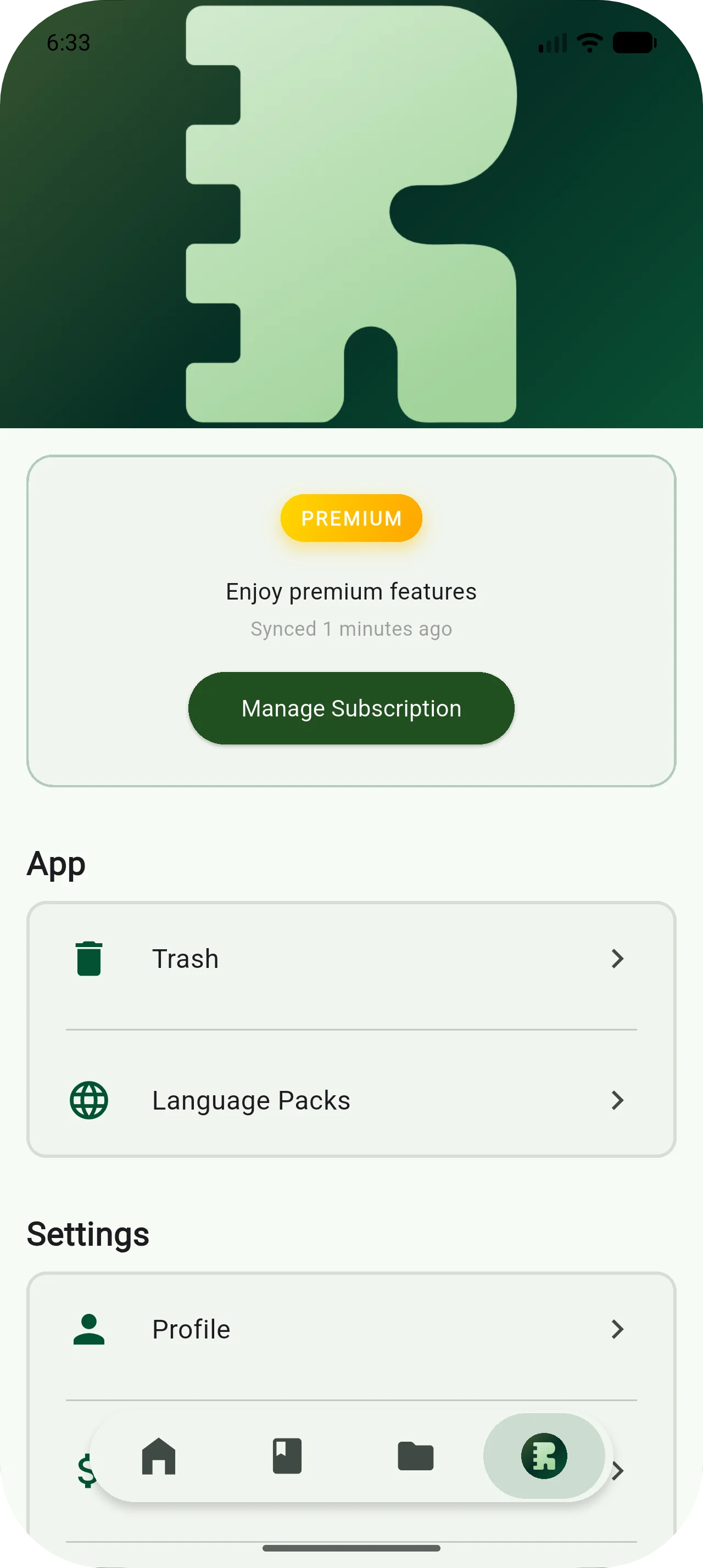
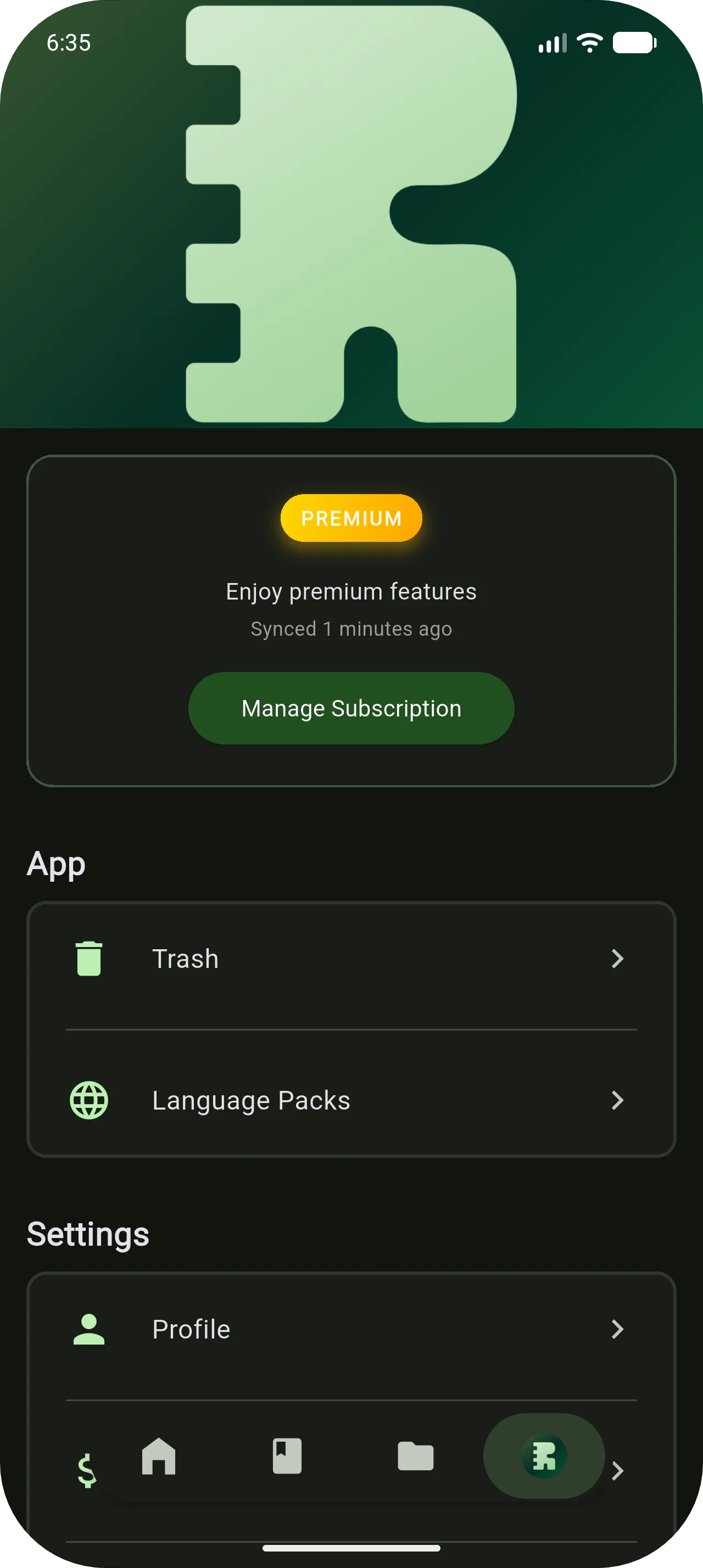
Manage Subscription
Tap "Manage Subscription" to see the available plans.
- 4
Complete the purchase
Pick a plan. Google Play takes it from there.
Runtut Premium
What Premium adds.
Everything in Core, plus these.
Cloud Sync
Your entries sync across devices in the background. Switch phones without losing anything.
Autopilot Updates
Set up a subscription or installment once. Runtut logs it automatically from then on.
Shareable Reports
Generate a report and share it with someone. Or just keep it for yourself.
Cloud Scan
Snap a receipt and Google Gemini fills in the amount and merchant.
Monthly
7-day free trial for new subscribers.
Yearly
30-day free trial for new subscribers.
Prices are in Indonesian rupiah. The app shows the price in your local currency before you subscribe.